Business Central, Fleet Management & Green Energy
Enterprise systems for real operations in Jakarta, Indonesia. Microsoft Business Central for your operations, IoT fleet tracking for your vehicles, and Data Center Energy Solutions for mission-critical infrastructure. Real-time visibility and robust systems, built by specialists.
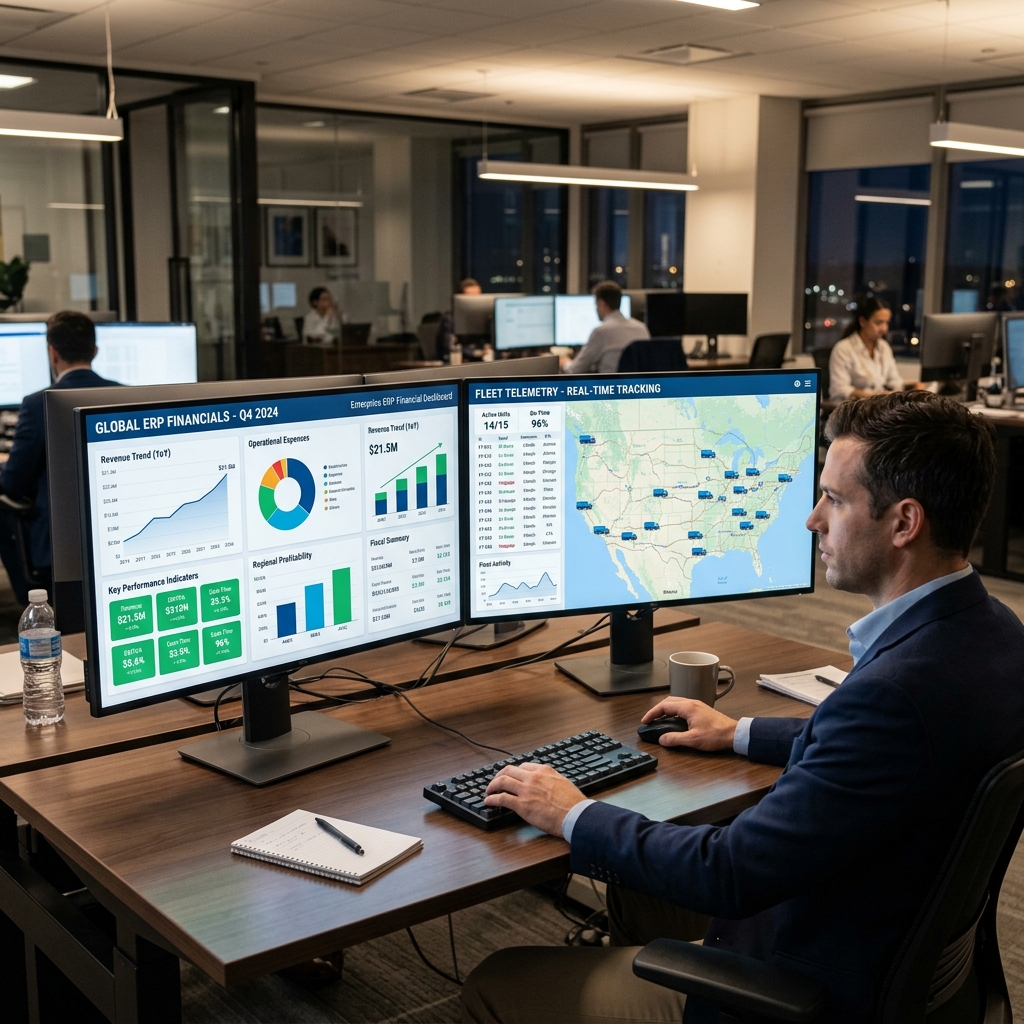
Depth beats breadth.
Most vendors spread thin across everything. We went deep instead: dedicated teams that only build Business Central, deploy fleet tracking, or engineer mission-critical data center energy systems. That focus is why deployments actually work the way you need them to.
Built deep, not wide.
Business Central for how your operations actually run. Fleet tracking for every vehicle on the road. Data Center infrastructure to power your mission-critical environments. Take the one you need — today.
Business Central deployment & customization
Full-lifecycle implementation of Microsoft Dynamics 365 Business Central Online, with Copilot and AI agents built in from day one.
- Cloud & SaaS
- AI & Copilot
- Warehouse & finance config
- Data migration
IoT vehicle tracking & fleet management
Live GPS visibility, driver behaviour analytics, and maintenance alerts — packaged into three tiers. Runs entirely independently of any ERP.
- Real-time GPS
- Geofencing
- Driver analytics
- Custom reporting
Data Center & Energy Solutions
Turnkey, mission-critical infrastructure from grid to rack. Complete engineering for power generation and scalable data center facilities.
- Architecture & Design
- HVAC & Cooling
- MV/LV Infrastructure
- 24/7 Operations
Specialist teams.\nZero compromises.
True Specialists
Our ERP consultants never touch fleet code. Our IoT engineers never touch Business Central. Depth beats breadth, every time.
AI-Ready From Day One
Microsoft Copilot AI and real-time GPS intelligence come built-in — not bolted on as an afterthought.
Direct Engineer Access
No call centres. No account managers. A direct line to the specialists who actually built your system.
Proven At Scale
120+ Business Central deployments. Fleets tracked around the clock. A 98% on-schedule delivery record that speaks for itself.
A simple, structured process\nfor every project.
Discover & Plan
We map your exact workflows first — so we build what you need, not what we prefer to sell.
Configure & Build
Our specialists configure your Business Central system or fleet portal to match your daily operations precisely.
Launch & Support
Smooth go-live with direct, ongoing access to the engineers who built your system — no middlemen.
Let's build the system you actually need.
Business Central, fleet tracking, or both — tell us your operation and we'll scope exactly what fits. No filler, no forced extras.